pLANOGRAM bUILDER

Design, validate, and share retail shelf layouts in minutes

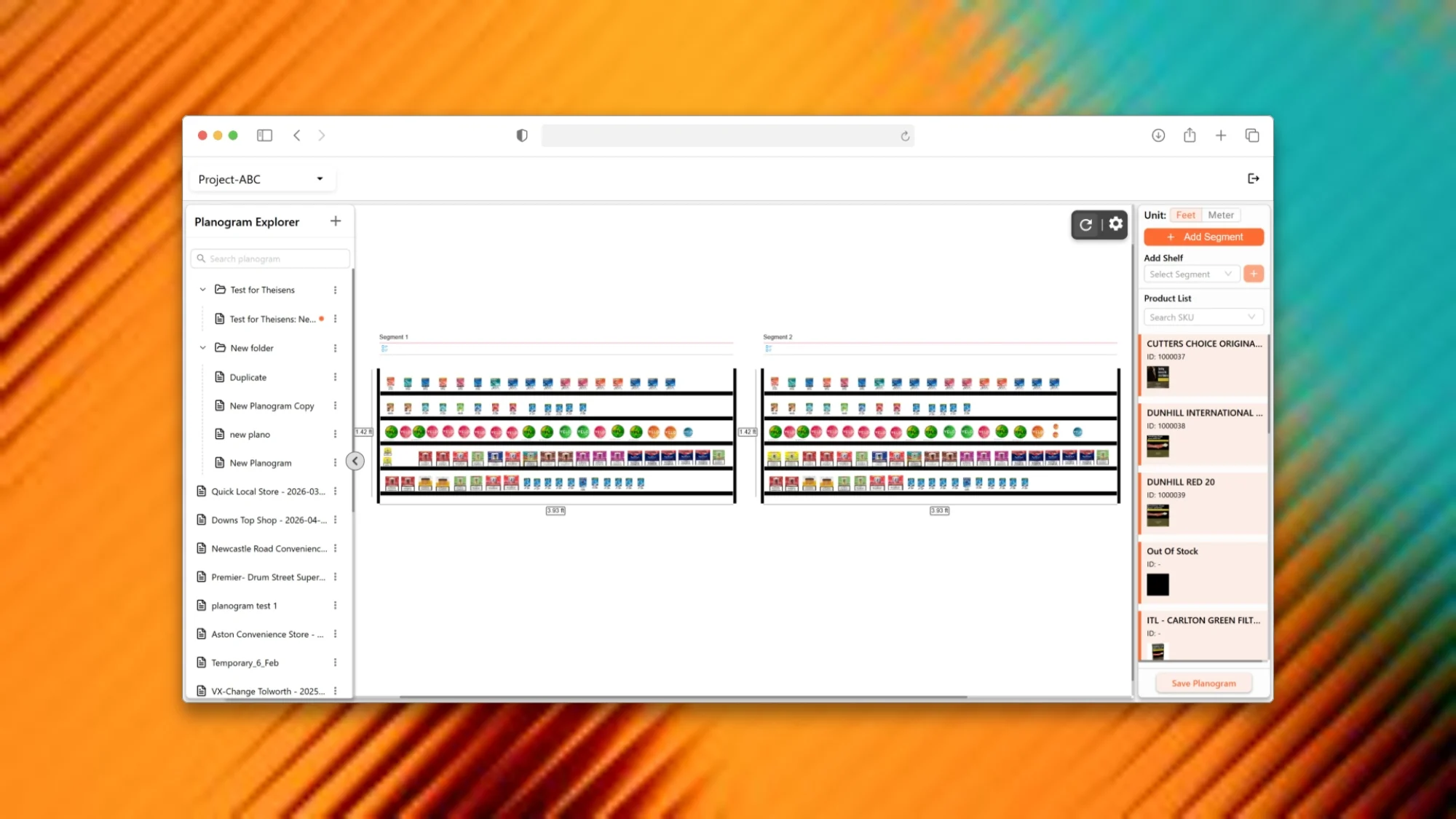
ShelfWatch Planogram Builder is a browser-based canvas editor for category managers, KAMs, and retail ops teams. Build planograms with drag-and-drop precision, auto-create from store audit images, and export print-ready PDFs for field teams.

Everything you need to build shelf-perfect planograms

From canvas editing to export — one tool inside your ShelfWatch workflow.

01

Interactive canvas editor

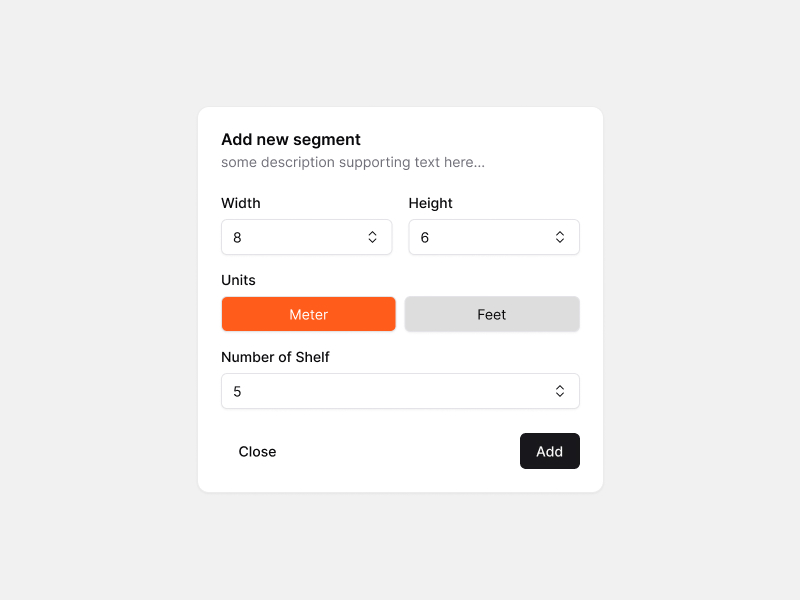
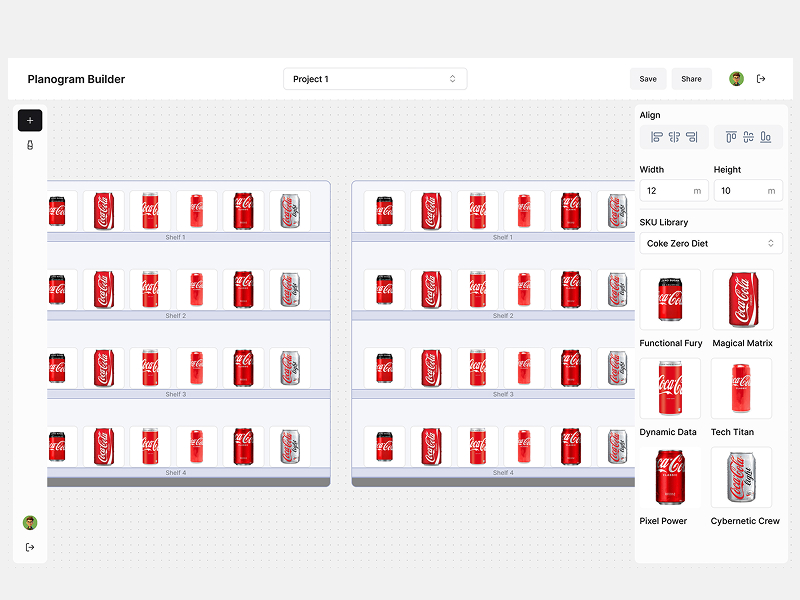
Konva-powered editor with up to 4 bay segments, configurable shelf dimensions in feet or meters, zoom, pan, and undo.

02

Drag-and-drop product placement

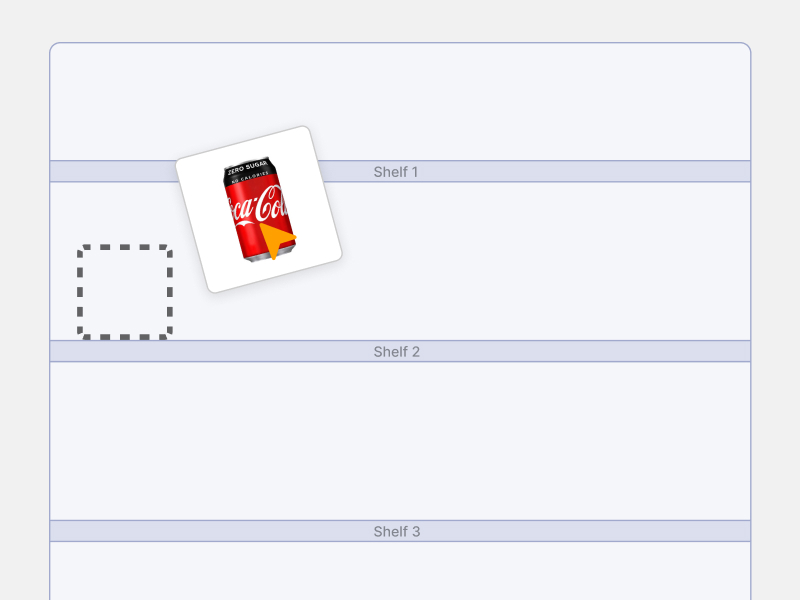
Search and filter your ShelfWatch product library, then drag SKUs onto shelves. Resize, reposition, align in row, or stack by column.

03

Organized planogram library

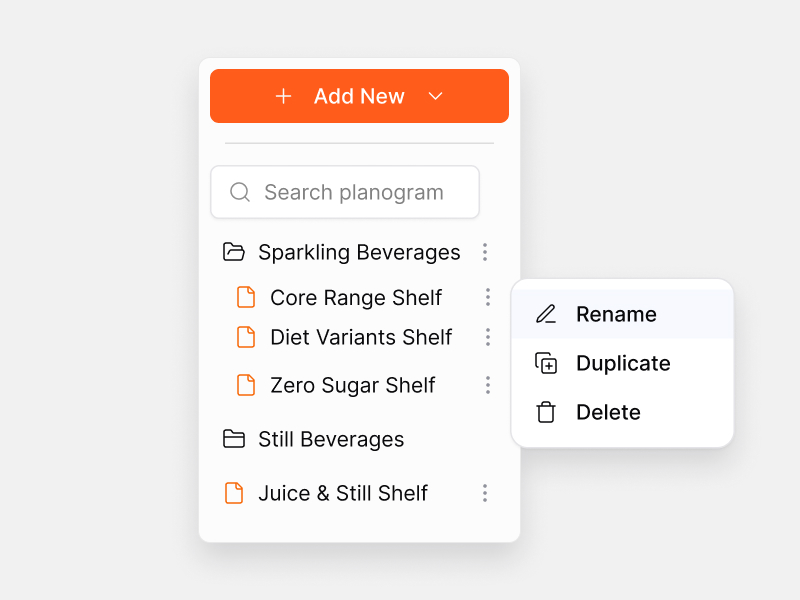
Folders, subfolders, search, rename, duplicate, and drag-and-drop organization for teams managing dozens of store formats.

04

Auto-create from audit images

Deep-link from mobile audits with store metadata. SKUs auto-populate from ShelfWatch image API in seconds.

05

Multi-format export

Export PNG, PDF with per-segment sequence tables, CSV SKU data, combined multi-planogram exports, and project master data.

06

Productivity shortcuts

Copy and paste segments and SKUs across planograms. Duplicate layouts for seasonal variants in minutes, not hours.
Built for how retail teams actually work

Real workflows from category planning to field briefing.

For Category Managers

New store range review

Define which SKUs go where, at what facings, on a standard gondola. Add segments matching bay dimensions, place products from your catalog, align rows, and export a PDF with sequence tables for your account team.

Precise shelf prescription, ready for field distribution
For Retail Operations

Audit-to-planogram baseline

Deep-link into Planogram Builder with image ID and store metadata. The builder auto-creates a planogram with detected SKUs pre-placed — giving you an as-is baseline for gap analysis.

From store visit to editable planogram in seconds
For Key Account Managers

Planogram library at scale

Maintain planograms for 15+ store formats across multiple retail chains. Organize with folders, search by name or description, and govern versions by store format without spreadsheet chaos.

Reduced time locating and managing planogram assets
For Trade Marketing

Rapid variant creation

Promotional season needs 20 store variants. Duplicate an existing planogram, adjust facings, copy segments with keyboard shortcuts, and export print-ready documents — no PowerPoint reformatting.

New planogram variant ready in minutes

From blank canvas to field-ready export

1
Create or auto-generate

Start fresh or deep-link from an audit image with store metadata.

2
Configure fixtures

Add up to 4 segments with custom width and height in ft or m.

3
Place products

Drag SKUs from your ShelfWatch product library onto shelves.

4
Align and refine

Align in row, stack columns, zoom, pan, undo until the layout is right.

5
Save and export

Save to your project library. Export PNG, PDF, or CSV for field teams.

See Planogram Builder in action

Book a walkthrough with our team. We will show canvas editing, auto-create from audit images, and export workflows tailored to your retail operation.

By submitting, you agree to be contacted about ShelfWatch products.

Thank you! Your submission has been received!
Oops! Something went wrong while submitting the form.

Start building shelf-perfect planograms today

Book a Demo